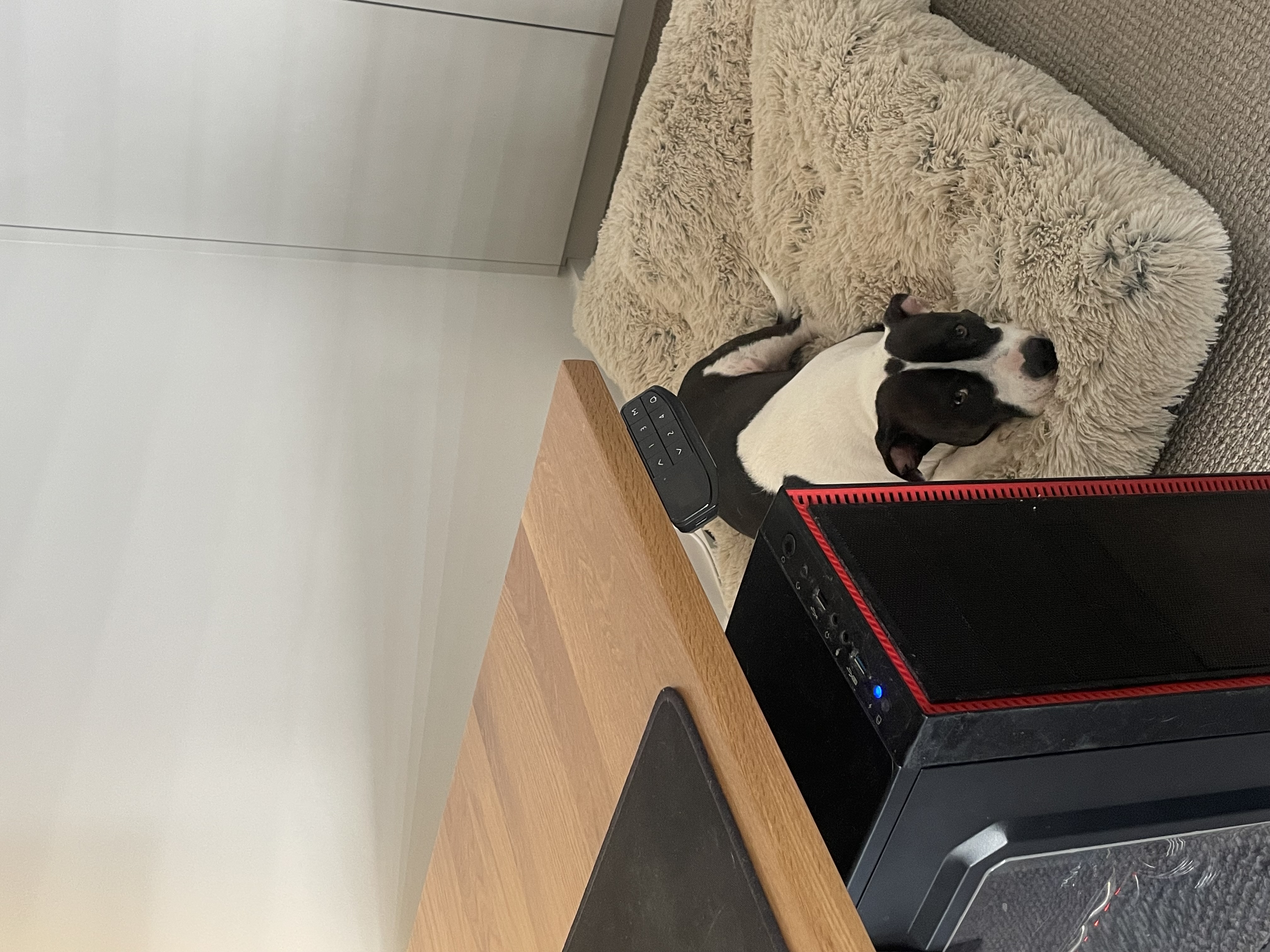
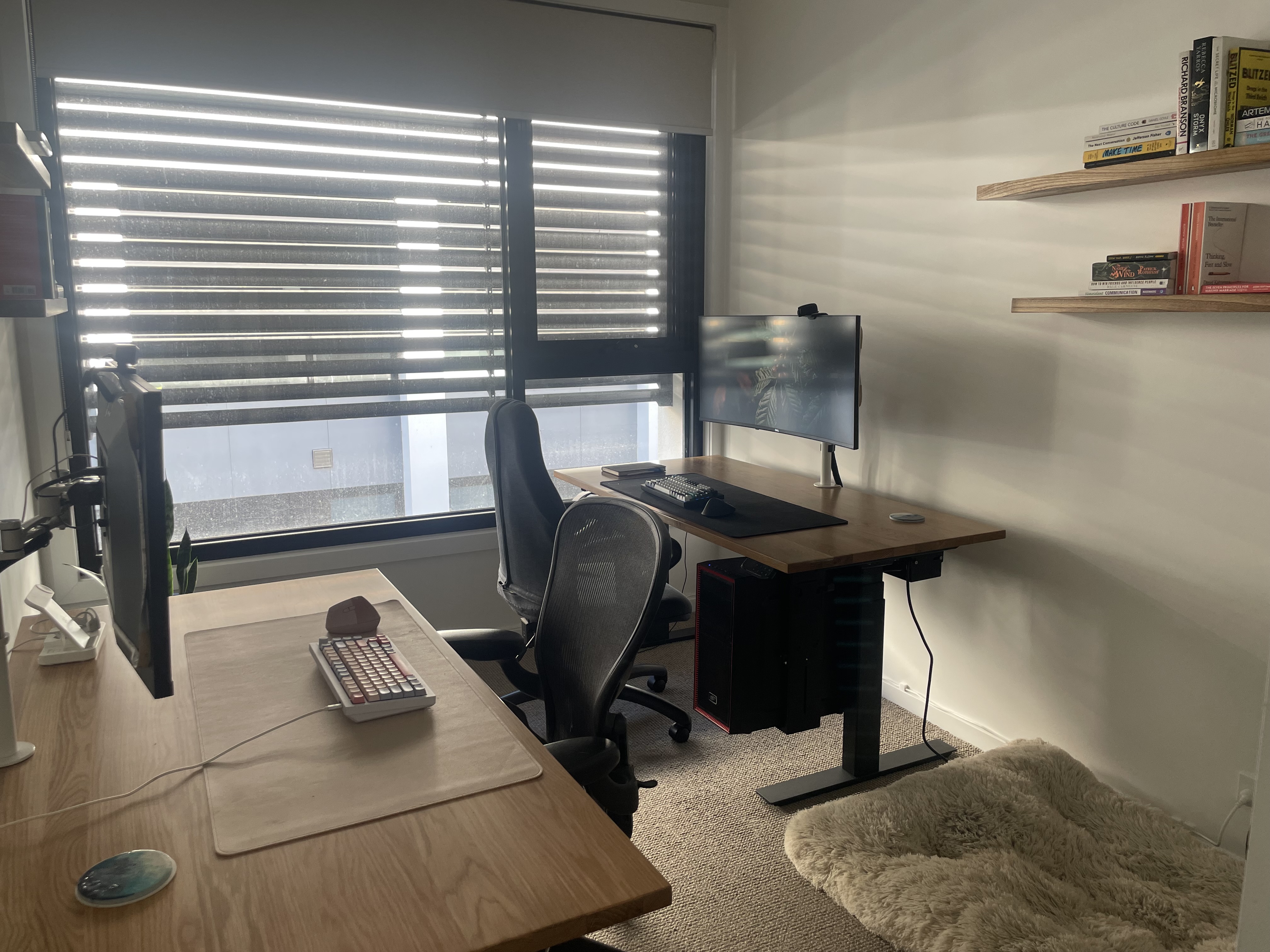
I’ve recently done up my study! Let me show you around.
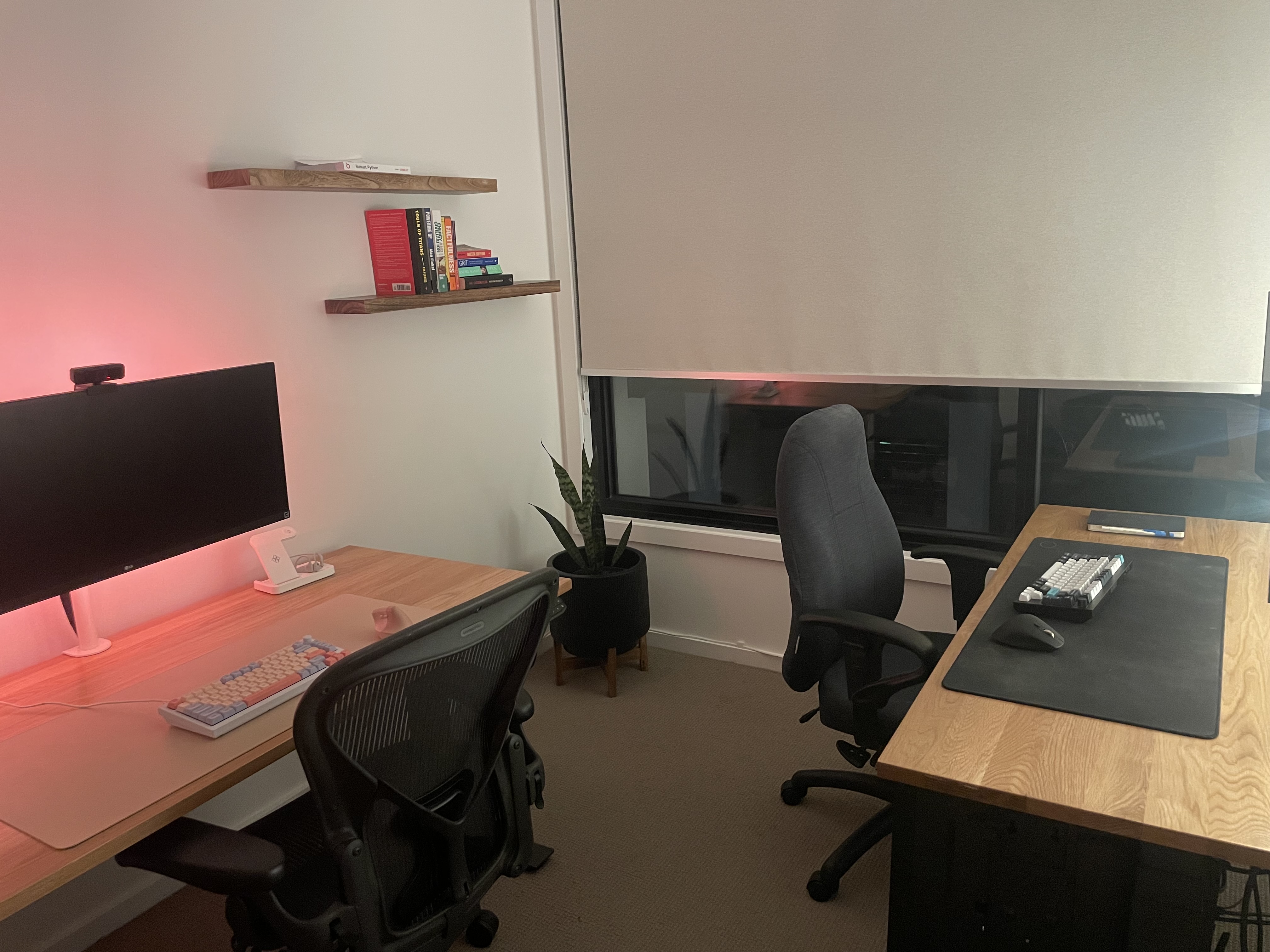
Sit-stand desk
I spent big on the desks, to meet the following requirements:
- Heaps of desktop space, leaving ample room for me and my GF to move around.
- Motorised sit/stand adjustment. I’ll be here for hours.
- Oak wood aesthetic.
- Hardwood & quality construction.
- Physical buttons for height control. I find touchscreens unreliable, and avoid them.
I selected the PRO+ from Updown Desk. It ticks all my boxes and includes a cable management tray, but comes at a premium price tag.
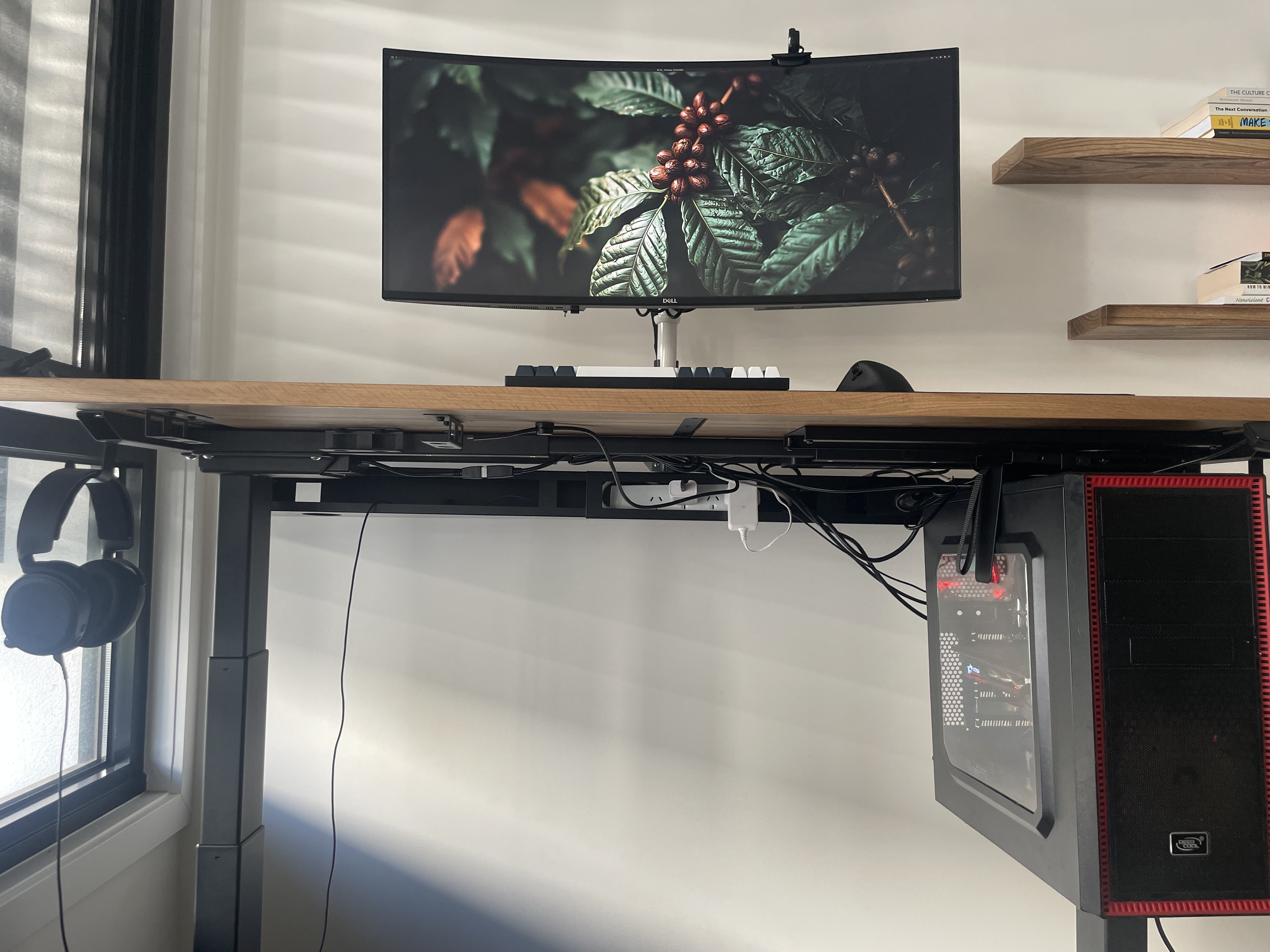
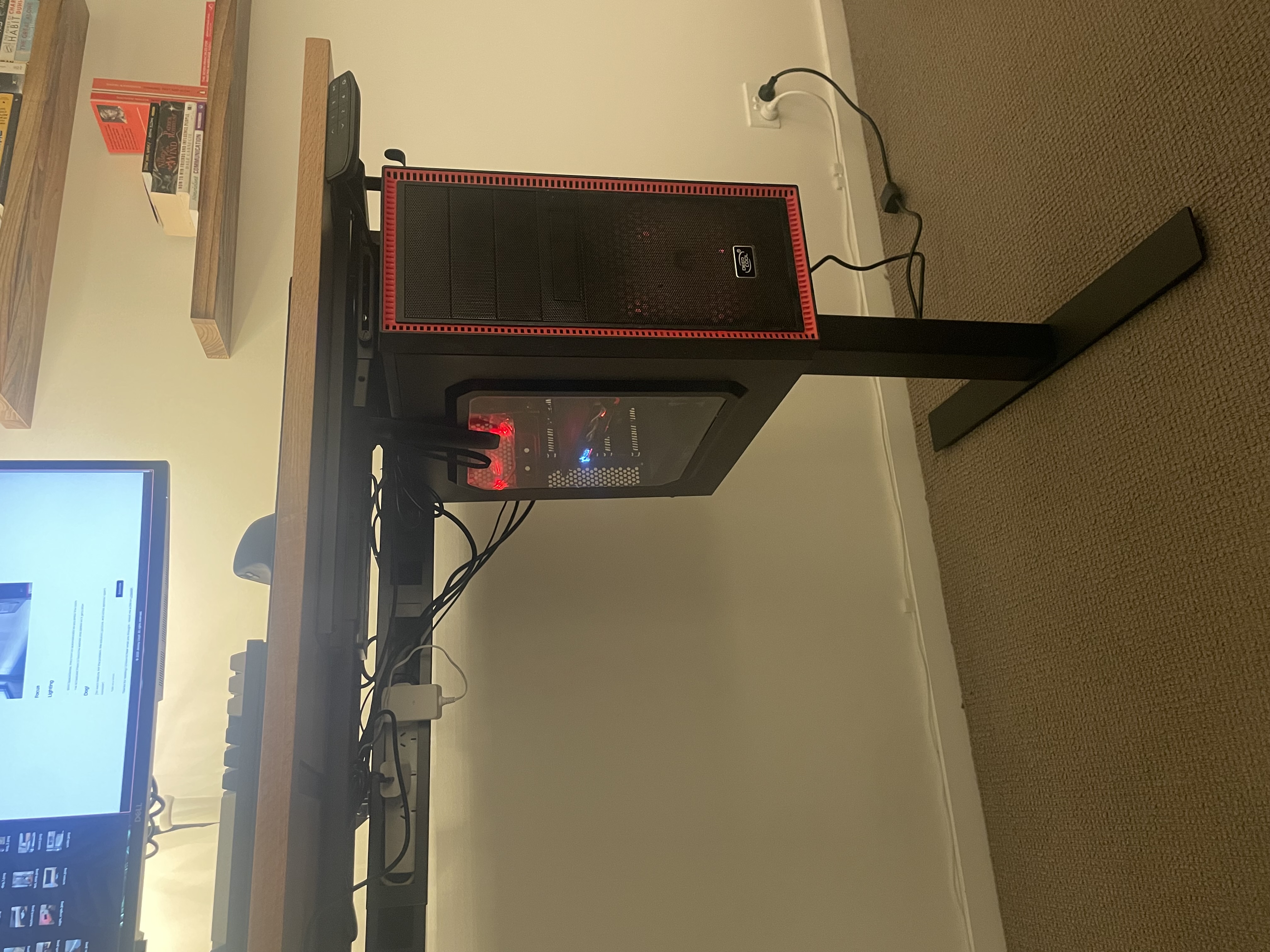
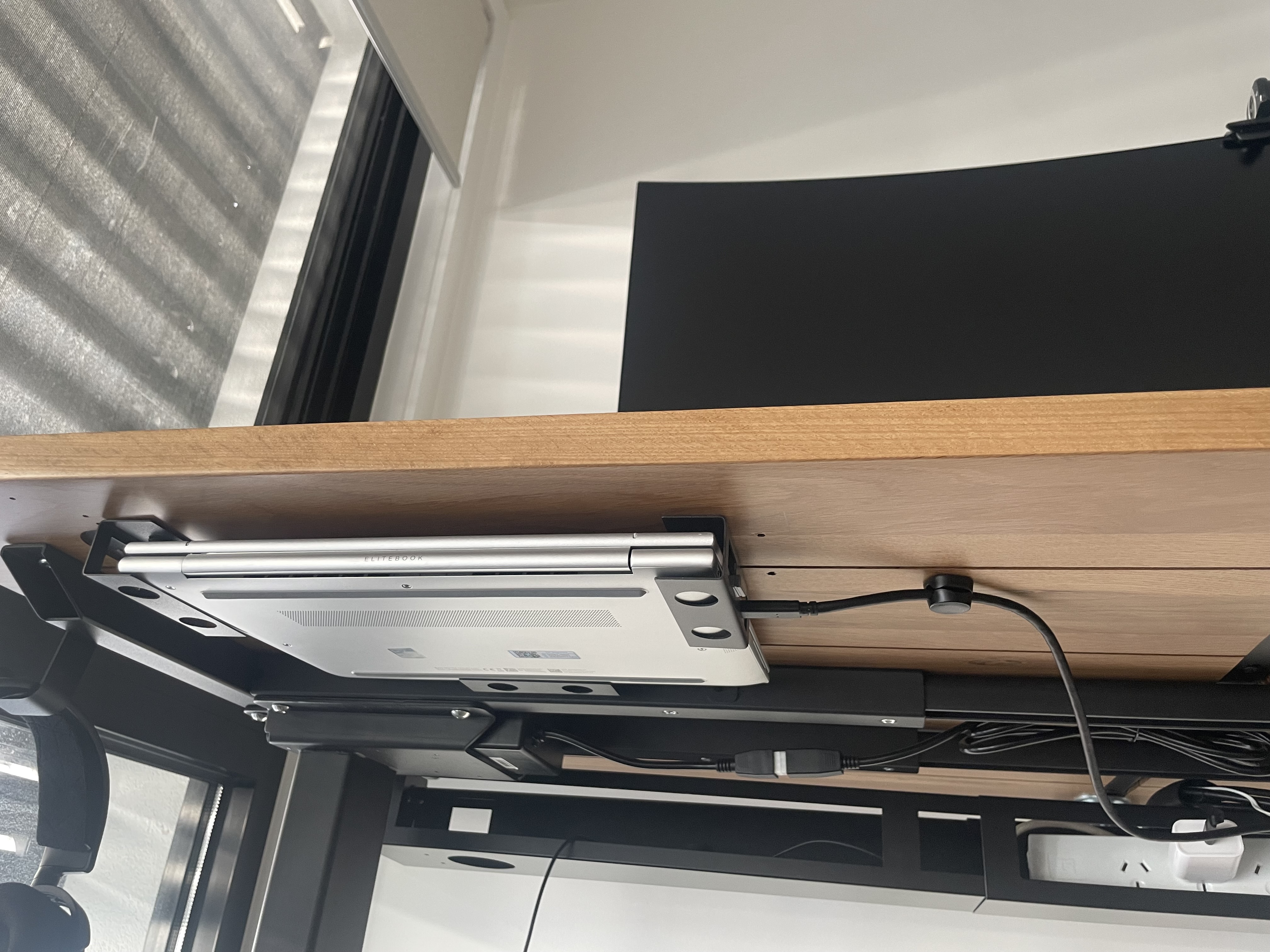
I mounted a grip for my desktop PC underneath the desk, keeping my PC and its cables steady despite the desk height changing:
Massive screen
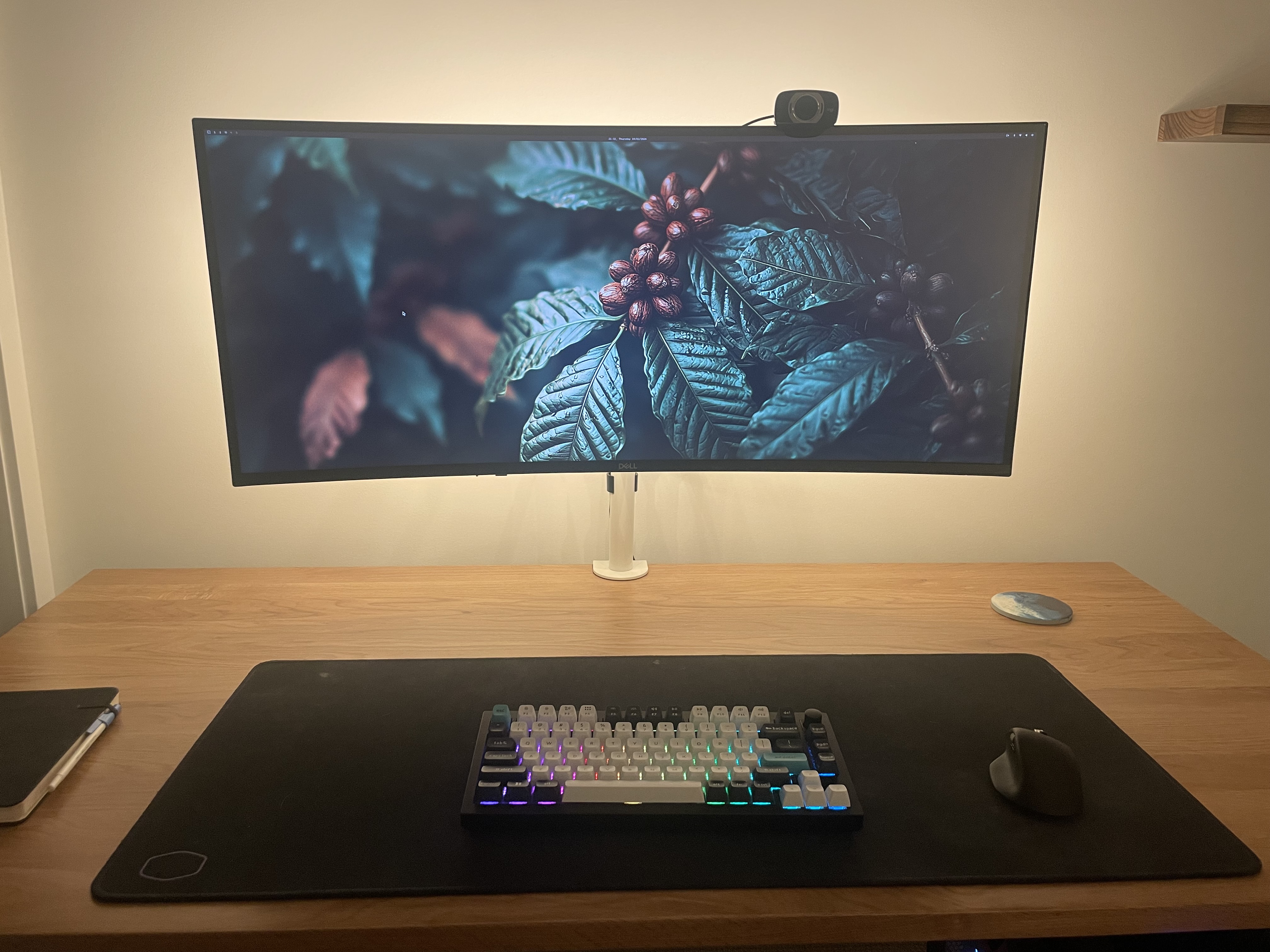
I want a big ol’ screen for browsing big data tables. This 38-inch Dell monitor offers some extra height over other ultra-wide options:
Cable Management
My desk space is maximised thanks to:
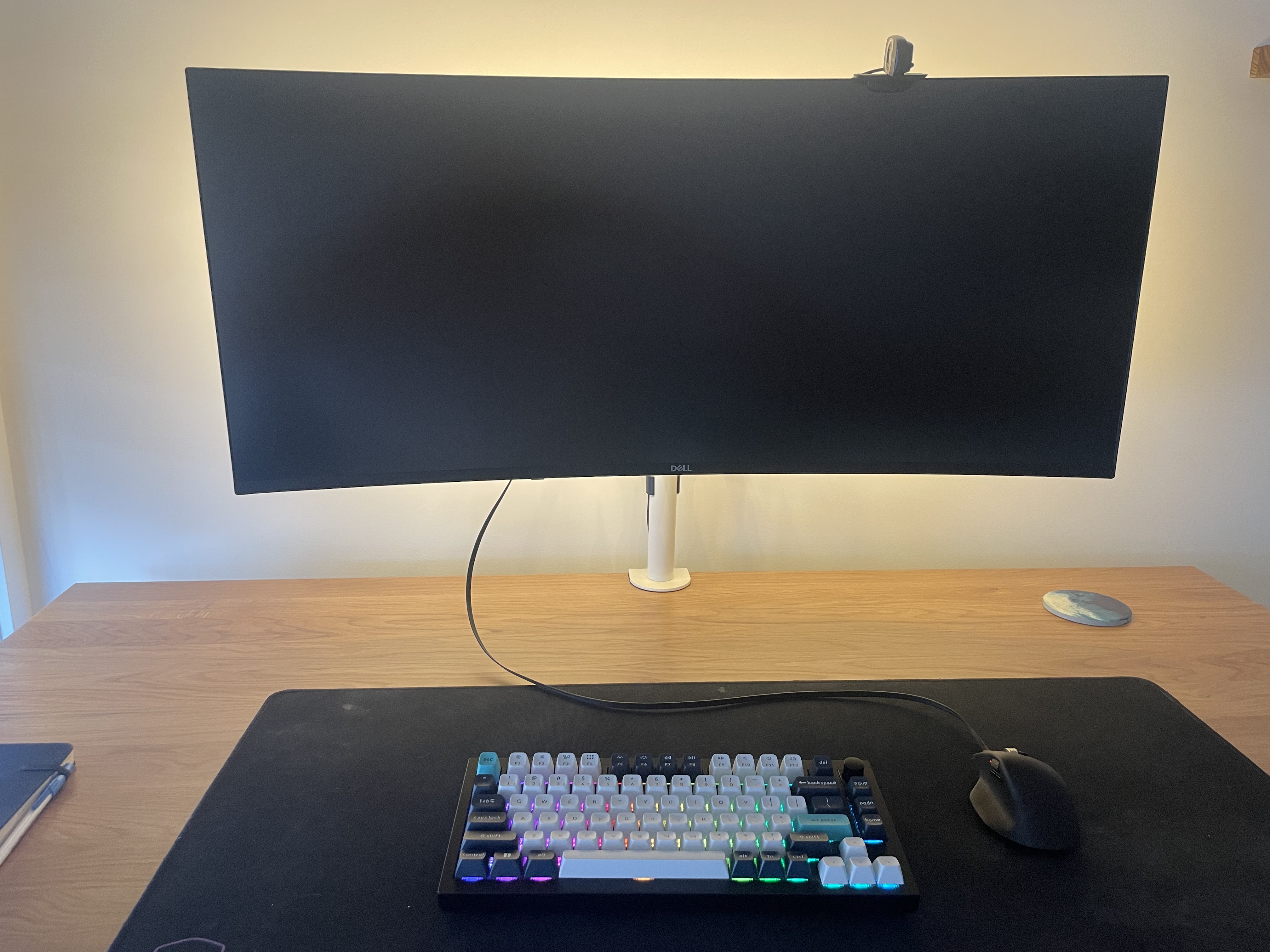
- Wireless keyboard & mouse
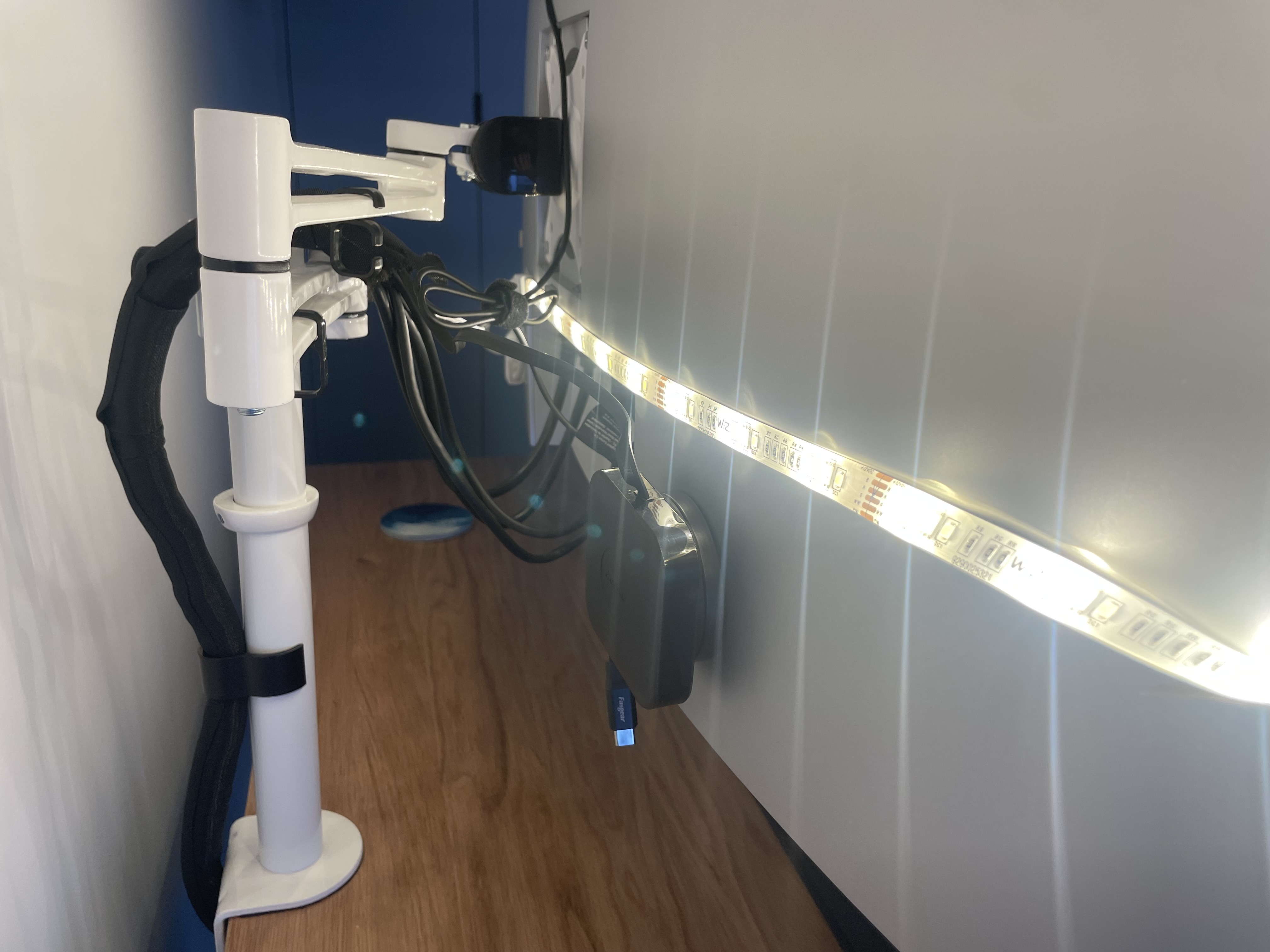
- Screen mount, removing the need for a stand
- Sleeve to organise cables behind my screen
- Retractable USB-C cable, to keep the wireless components charged with no desk clutter
It’s easy to overlook the hidden features of a great screen. Beyond the size and image quality, extra features include:
- Decent built-in speakers or camera
- Extra ports - great for cable management
- Built-in KVM (keyboard-video-mouse) switch, as you’ll see below…
One-cable, two computers
I frequently jump between my personal desktop and my work laptop. To date I have suffered the daily drudgery of moving multiple connectors (screen, mouse, keyboard) from one machine to another.
Thanks to the KVM switch and port connectivity in my screen, I needn’t suffer any longer. Instead I can plug/unplug the USB-C cable below, and all my peripherals automatically switch between my laptop/PC respectively.
A cheaper but more cumbersome option is a docking station, entry-level screen, and dedicated KVM switch.
Chairs
…straight off FB Marketplace.
Decoration
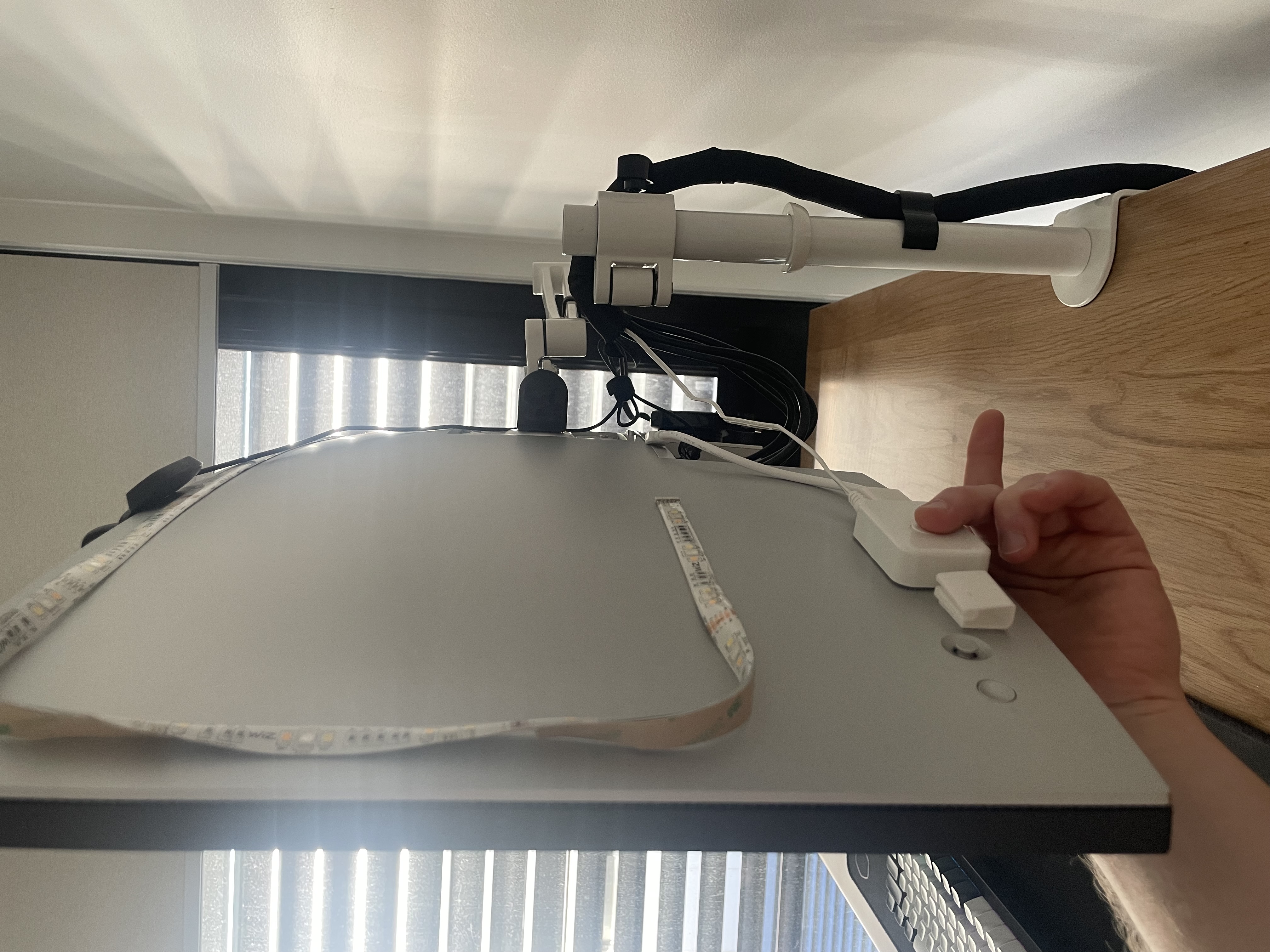
I’ve stuck some smart LED strips behind each screen. They come with:
- Full control of colour, brightness and warmth. Cheaper strips only let you control the colour.
- Automatic turn on/off when you enter/leave the room, using WiFi to detect your movement.
- Physical switches. No reliance on WiFi or a smartphone app.
- Automatic scheduling. I set my lights to a warmer, darker shade around bedtime each night.
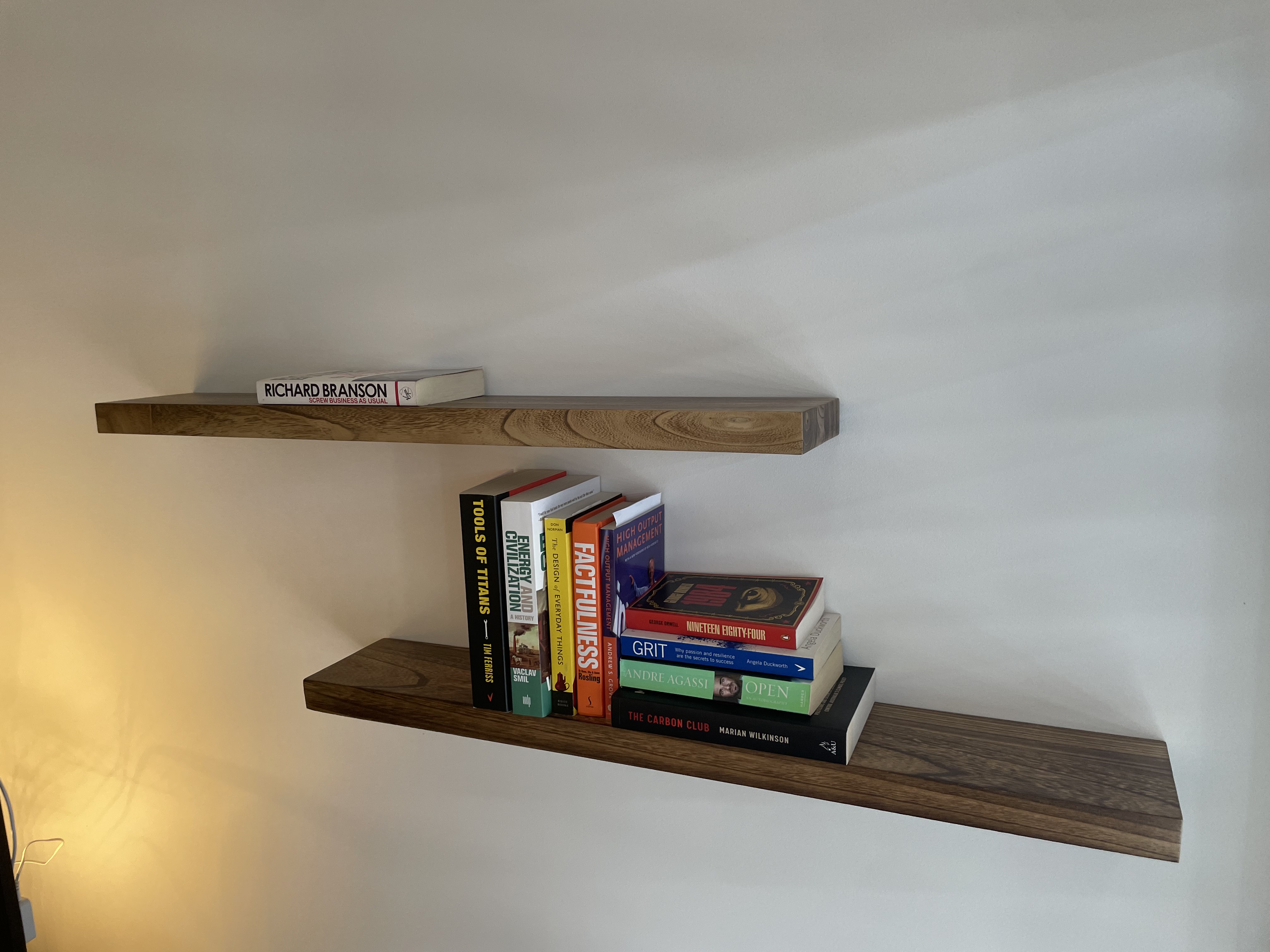
These floating bookshelves have slots drilled into the wall-side, and are mounted to the wall using a small metal frame. The result is minimal and matches the desks:
Dog